
Discover essential best practices for effectively securing your mobile devices, from using strong passwords to using virtual private networks (VPNs) and keeping apps up to date. These simple steps can prevent costly data breaches and keep your company’s sensitive information safe from cybercriminals.
Essential mobile security practices every business must implement

Safeguarding mobile devices: A guide for modern businesses

Mobile devices have become essential business tools, keeping employees connected and productive wherever they may be. However, if a mobile device is misplaced, stolen, or accessed by the wrong person, sensitive company data could be at risk. Below are practical steps to help secure your organization’s mobile devices.
VoIP vs. VoLTE: Which communication solution best fits your needs?

Selecting the ideal communication system is essential for business collaboration. In this article, we dive into two popular options for modern communication: VoIP and VoLTE. We’ll explore the benefits, features, and differences between the two, helping you decide which technology is best suited to your company's needs.
The benefits of Microsoft Bookings

Microsoft Bookings makes scheduling easy for both you and your clients. Whether hosting in-person meetings or virtual sessions, this online tool allows clients to book appointments directly through your customized scheduling page. You also maintain real-time control over your calendar, ensuring both you and clients are always up to date.
UCaaS-CCaaS convergence: Unifying business communications

Integrating internal communication tools such as Unified Communications-as-a-Service (UCaaS) with customer-facing systems like Contact Center-as-a-Service (CCaaS) is rapidly gaining traction among businesses. This blog explores the key advantages of UCaaS-CCaaS integration for businesses and provides a guide to help companies successfully implement it.
8 Signs your company’s IT systems need an upgrade

As technology evolves, so must your business systems. If your IT infrastructure is showing signs of strain — whether through constant breakdowns, security vulnerabilities, or diminished capabilities — it’s time to act. This article outlines eight critical warning signs that your IT systems need an upgrade.
How to prevent hackers from using your office devices to send phishing emails
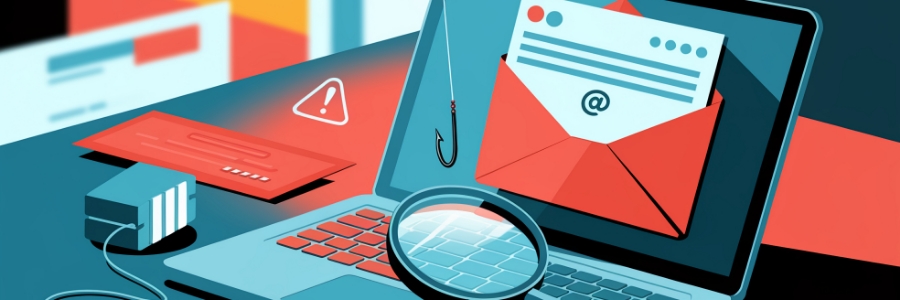
A new security flaw in Microsoft 365 enables hackers to exploit office devices and send fake emails that appear to be from within an organization. Let’s look at how this scam works and what you can do to keep your data protected.
How do hackers use office devices to send fake phishing emails?
Microsoft 365’s Direct Send feature was originally designed to simplify internal email communication within organizations.