
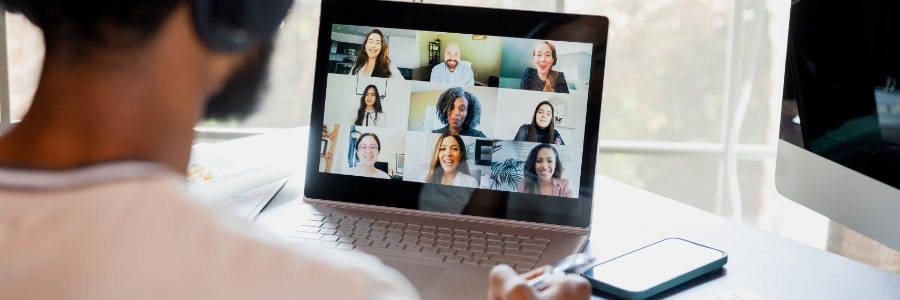
In the office, employees have everything they need within reach: high-speed internet, ergonomic furniture, office supplies, and reliable tech. However, when working from home, those essentials might not be as easily available. If you have remote workers, make sure they have the following gear.
What your employees need for a productive work from home setup
The key differences between proprietary and open-source VoIP
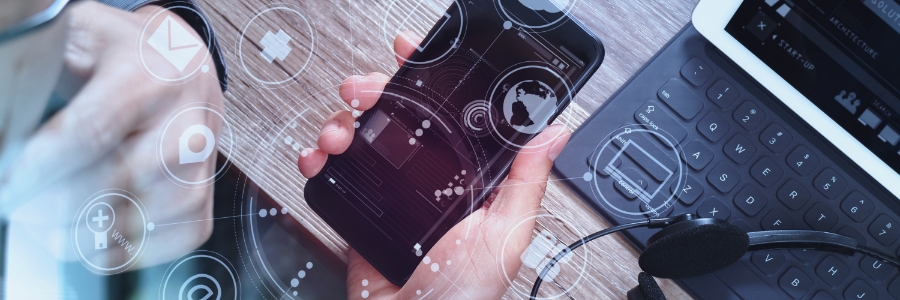
In this blog post, we will discuss the key differences between proprietary and open-source VoIP. We will discuss the technical aspects of each type of software, as well as the advantages and disadvantages of each to help you decide which one is best for your business.
8 Tips to save energy on your PC
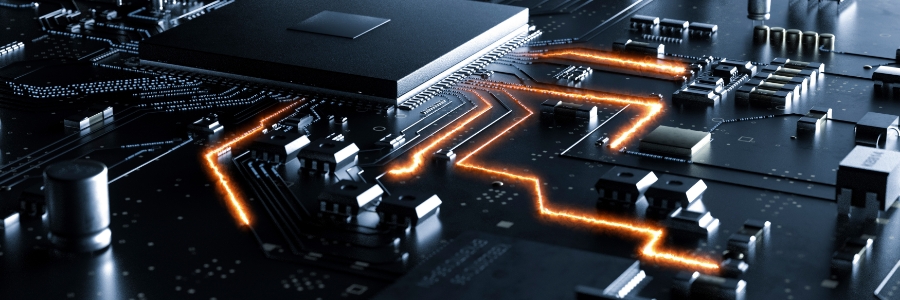
Conserving energy while using your PC daily can be quite challenging. A typical desktop setup, including loudspeakers and a printer, can consume nearly 600 kWh annually if used for eight hours a day. The good news is that you can significantly reduce this consumption by adopting a few practical tips.
Essential laptop features for work from anywhere success

Remote work allows you to work from anywhere, from kitchens to coworking spaces. But to truly thrive in this flexible environment, you need a laptop that can keep up. This guide will simplify the selection process, helping you choose a laptop with the features and power to make your remote work life a success.
5 Creative and useful ideas for your old PC
It's no secret that technology advances at a rapid pace. Sooner or later, even the best devices will start to feel slow and outdated. If you're in the market for a new computer, you may be wondering what to do with your old one. Don't worry because we've got you covered.
How to tweak and maximize Windows 11 on your laptop
Windows 11 is available as a free upgrade for Windows 10 users, and many people — including laptop users — are taking advantage of this new operating system. If you're one of them, then you need to know how to properly tweak Windows 11 features on your laptop so you can make the most of Windows 11.
1. Set up how your device checks for updates
New laptops usually automatically check for updates, but you can also manually do this.
Laptops vs. desktops: Which should your small business use?
When purchasing computers for your small business, one of the biggest decisions you’ll have to make is whether to get desktops or laptops. The choice ultimately depends on five factors, which we’ve outlined for you below.
Portability
The COVID-19 pandemic has driven most businesses to adopt remote work and hybrid work setups.
Should small businesses use laptops or desktops?
As an entrepreneur, you often have to make choices that can either make or break your company. One such decision you have to make is whether to in desktops or laptops. Make the best choice by assessing the current situation and taking the following things into consideration.
Useful tips to prolong your laptop battery life
It’s difficult to gain momentum at work when your laptop constantly notifies you that it’s running out of juice. And if there’s not a power outlet in sight, your device will soon be nothing more than a cold slab of metal and plastic.
Get the most out of your new laptop with these tips
Laptops are prized for their small size, manageable weight, and handiness, but they don’t lag behind desktop computers in terms of performance either. Higher-end laptops, in particular, are just as capable of handling heavy apps and complex tasks as their bulkier desktop counterparts.